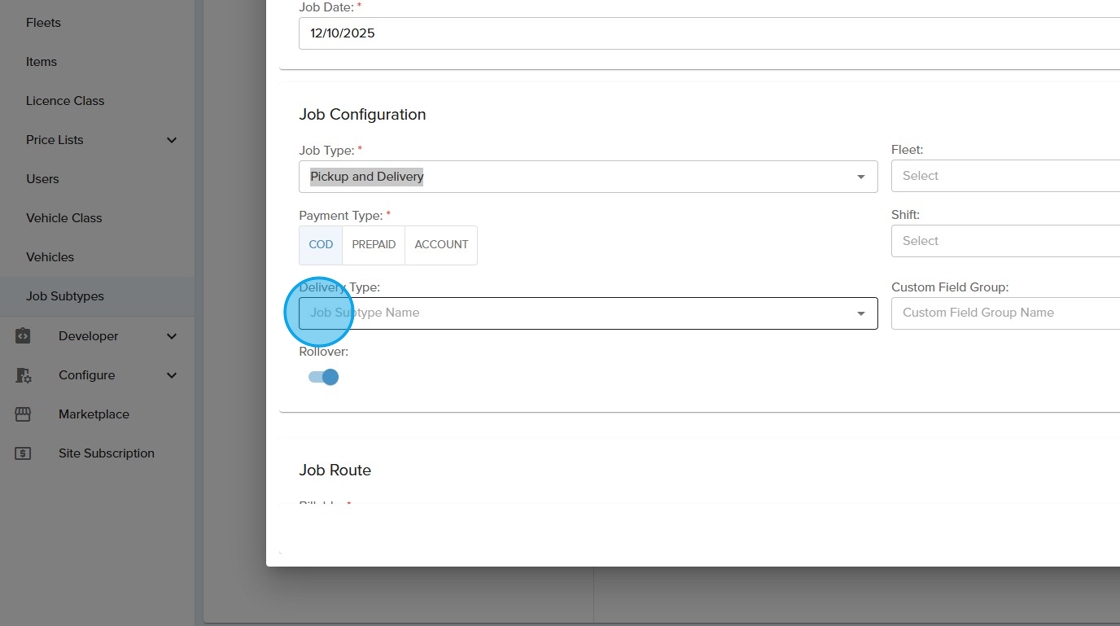
A job subtype can be used to group custom fields depending on the workflow type. This can then be used on a job by job basis to capture differing information and also prompt specified driver forms
1. Navigate to https://app.allotrac.io/ and log in to your Allotrac.io site

2. Click the "Manage" tab from the side menu
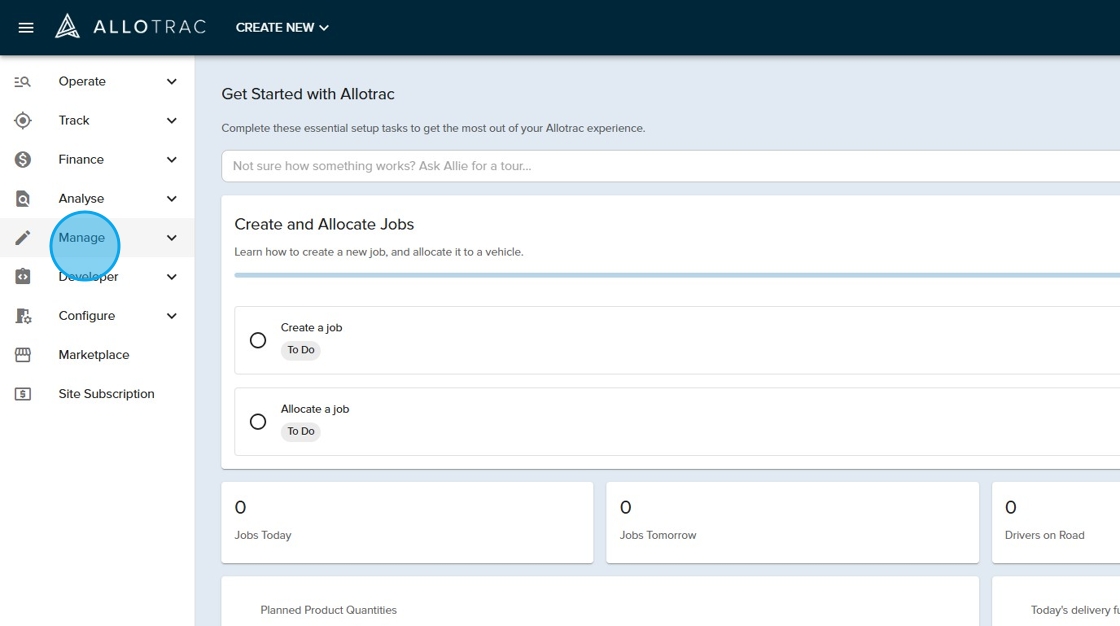
3. Click the "Job Subtypes" button from the drop down menu

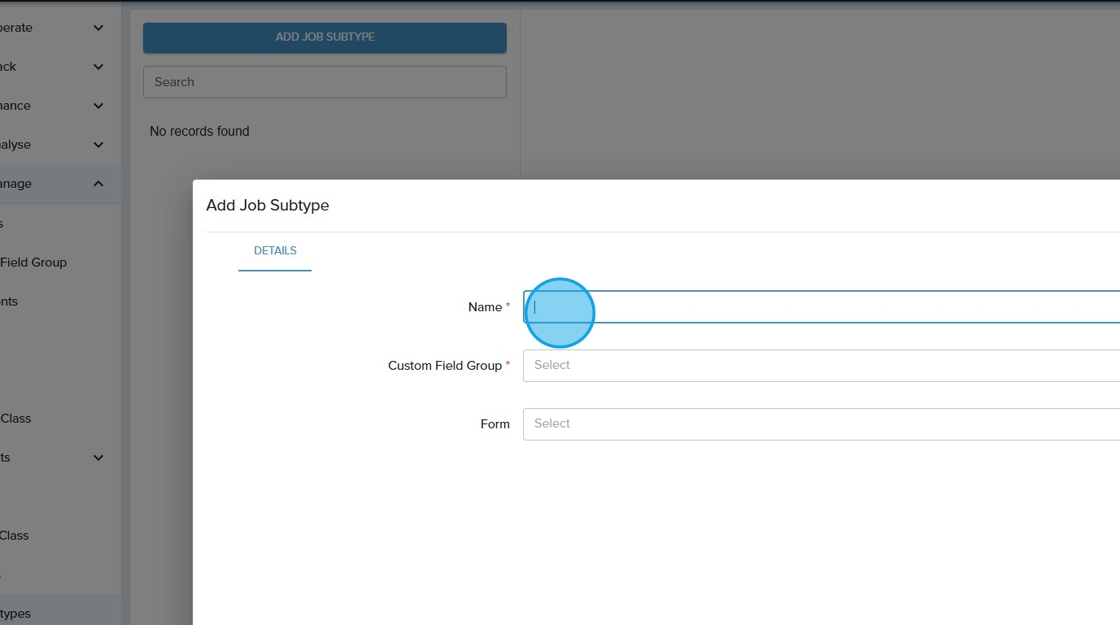
4. Click the "ADD JOB SUBTYPE" button

5. Type in a "Name" for the job subtype
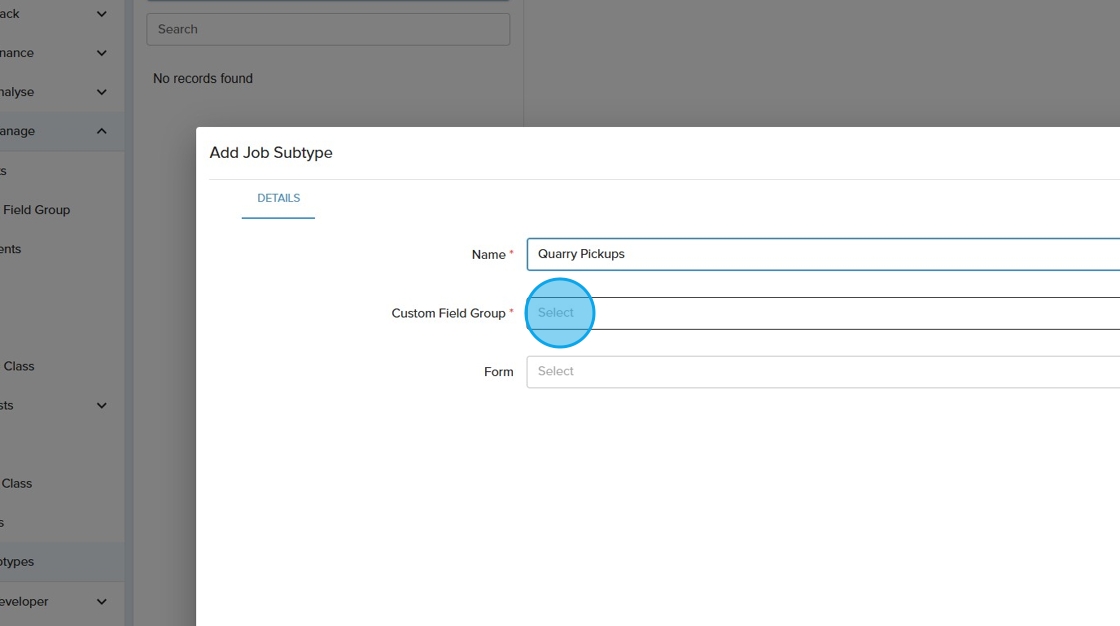
6. Click the "Custom Field Group" field and select which custom field group to assign to this job subtype
7. Click the "Form" field and select which form you would like to appear on the Allotrac.io Driver app when drivers are processing jobs using this job subtype

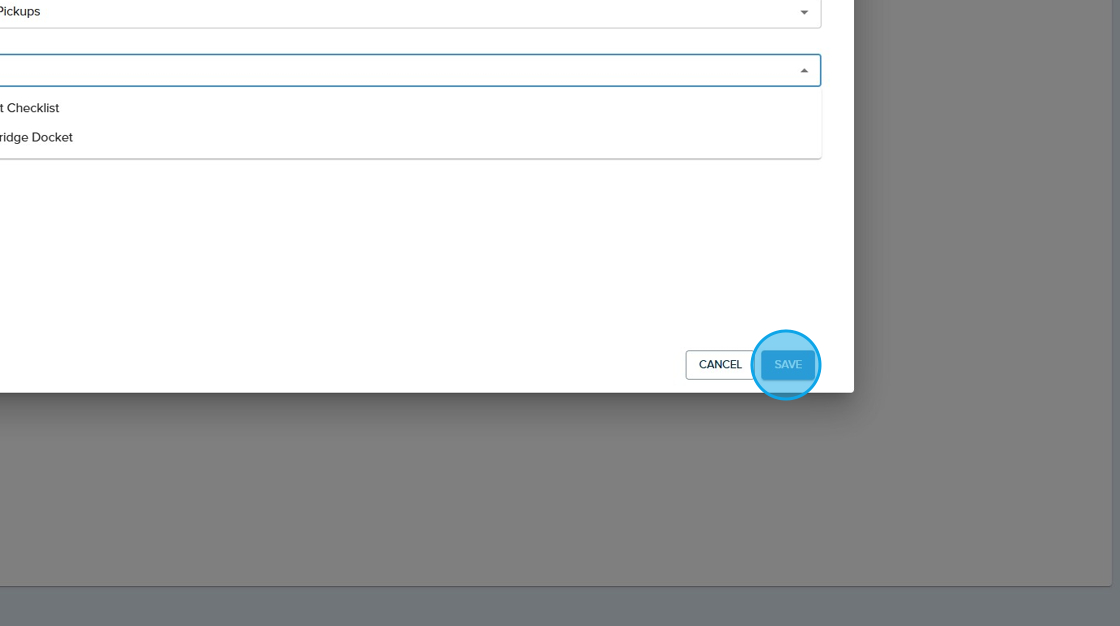
8. Click the "SAVE" button to create this job subtype
9. This job subtype will be now be available to use on your jobs moving forward